
AI Photo Colorizer
Turn old black-and-white photos into natural-looking color images with an ai photo colorizer built for clean, realistic results.
Fast processing • Natural-looking colors • Easy to use
Trusted For Better Photos
How It Works
Upload Photo
Add a black-and-white image from your device.
AI Adds Color
The model studies faces, scenery, objects, and lighting.
Review Result
Check the colorized preview before saving your image.
Download Image
Save a polished photo ready to share or archive.
Why Choose Photo Colorizer Ai
Natural Color Results
Colors are balanced to look believable, not overly saturated or artificial.
Fast AI Processing
Most photos are processed quickly, so restoring memories does not feel slow.
Easy Photo Upload
A straightforward upload flow keeps the process clear from start to finish.
Detail Preservation
Fine facial details, edges, and textures stay crisp through colorization.
High-Quality Output
Export clean results suitable for albums, family archives, and digital projects.
Simple User Experience
No editing skills are needed to create a polished colorized photo.
Smart Colorization Technology
The AI evaluates skin tones, clothing, backgrounds, buildings, nature, and historical photo details to create color choices that feel grounded in the original scene.
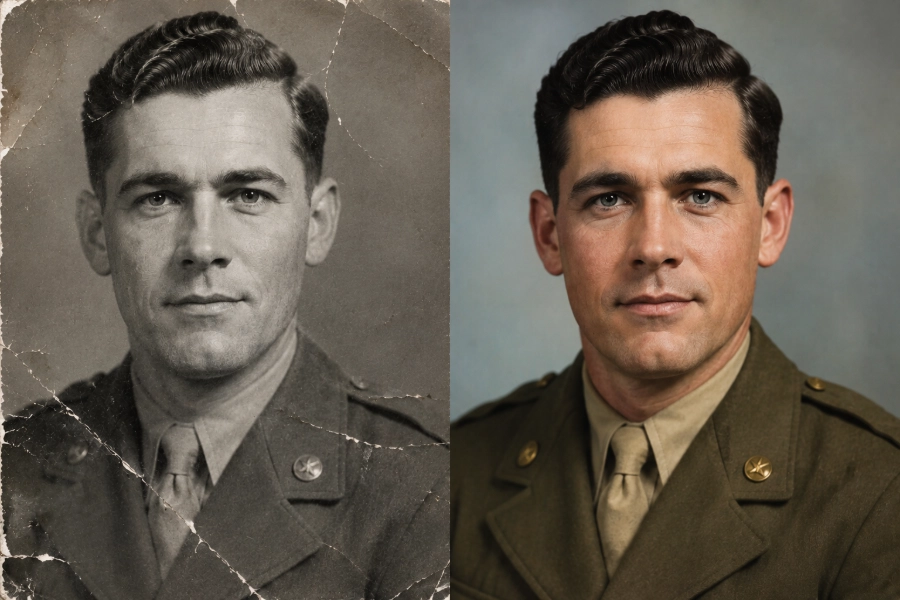
See The Difference

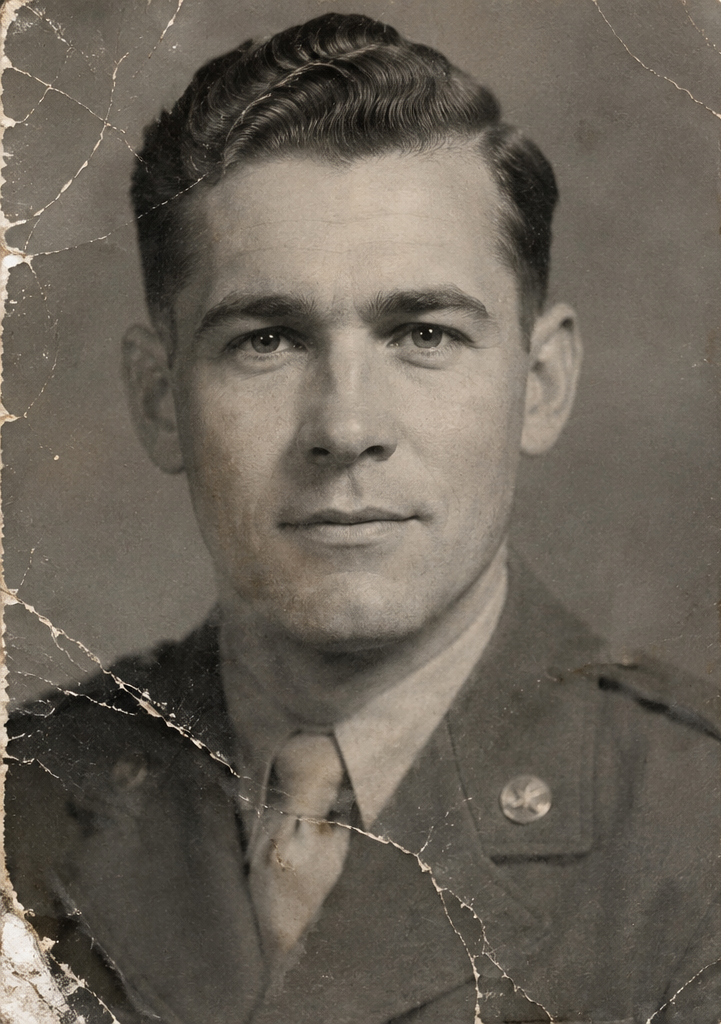
Made For Every Memory
Old Family Photos
Refresh inherited photos with colors that feel personal and warm.
Historical Images
Add context to archival images without losing their original character.
Vintage Portraits
Bring faces and clothing into clearer visual focus.
Wedding Photos
Give classic wedding images a more vivid presentation.
Childhood Memories
Turn early life photos into images that feel closer to the moment.
Archived Photos
Prepare collections for family trees, records, and digital galleries.
From Old To Vivid
Powerful Photo Features
Intelligent Color Mapping
The system reads the photo context before applying color, helping skies, clothing, rooms, and landscapes feel consistent.
Built For Natural Results
Photo Colorizer Ai is tuned for realistic output with preserved facial details, refined backgrounds, clean image structure, and natural color balance.
What Users Say
“The colors looked calm and believable. It helped me restore family portraits without over-editing them.”
“I used it for a vintage portrait set. The skin tones and clothing details came through better than expected.”
“The workflow is simple enough for archive work, and the final images are easy to share with relatives.”
Latest From The Blog
Our latest articles, and step-by-step tutorials below.
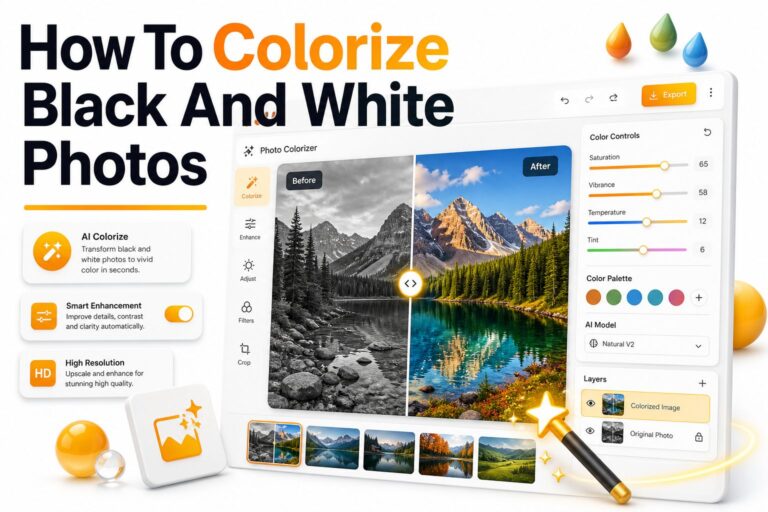
How to Colorize Black and White Photos: Easy Step-by-Step Guide
Old family portraits, historic street scenes, and vintage wedding photos often carry a kind of beauty that modern...
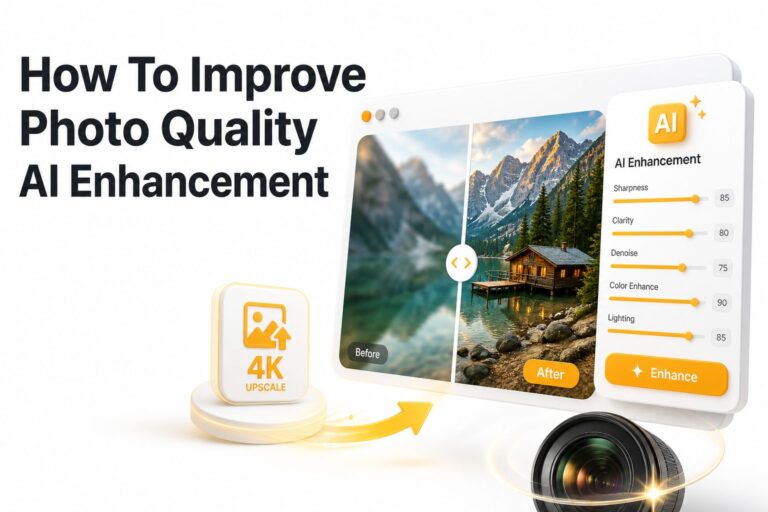
How to Improve Photo Quality with AI Enhancement
A good photo can lose its impact when it looks blurry, noisy, faded, or poorly lit. Whether you...

How Do AI Photo Enhancement Tools Work?
A blurry photo can still hold a great memory, a product image can lose sales because of poor...
Frequently Asked Questions
AI photo colorization uses image analysis to add realistic color to black-and-white photos.
The AI studies shapes, faces, objects, lighting, and scene context before applying color.
Yes. The tool is designed specifically for black-and-white and grayscale images.
The process is built to preserve facial structure, edges, and important image details.
Common image formats such as JPG, PNG, and WebP are suitable for most workflows.
Processing is usually quick, though larger images may take slightly longer.
Yes. After colorization, you can download the finished image.
No. The original image remains unchanged while a new colorized version is created.
Bring Old Photos Back To Life
Turn black-and-white memories into vivid, natural-looking images with AI.