
Powerful Photo Colorization Features
Everything you need to turn black-and-white photos into natural-looking color images with a simple AI-powered workflow.
Built For Better Results
AI Colorization
Add realistic colors to black-and-white images with automated image analysis.
Natural Color Balance
Create calm, believable colors without an overly saturated appearance.
Detail Preservation
Keep facial structure, edges, clothing texture, and fine image details clear.
Fast Processing
Move from upload to result with a workflow designed to feel quick and simple.
High-Quality Output
Download clean colorized images suitable for albums, archives, and sharing.
Easy Photo Upload
Start with a straightforward upload flow that keeps the process clear.
Intelligent Colorization
The ai photo colorizer analyzes visual areas before applying suitable colors to faces, scenery, objects, and everyday details.
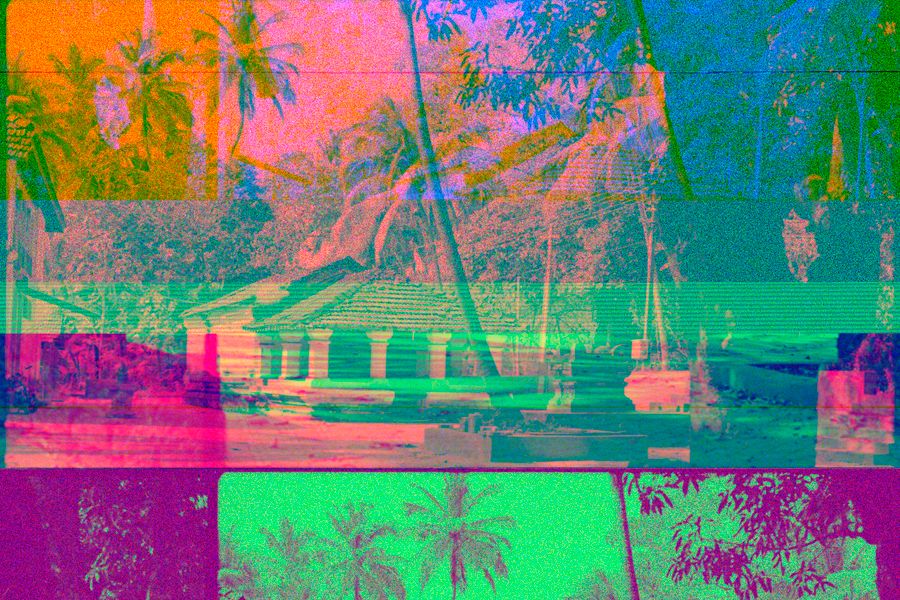
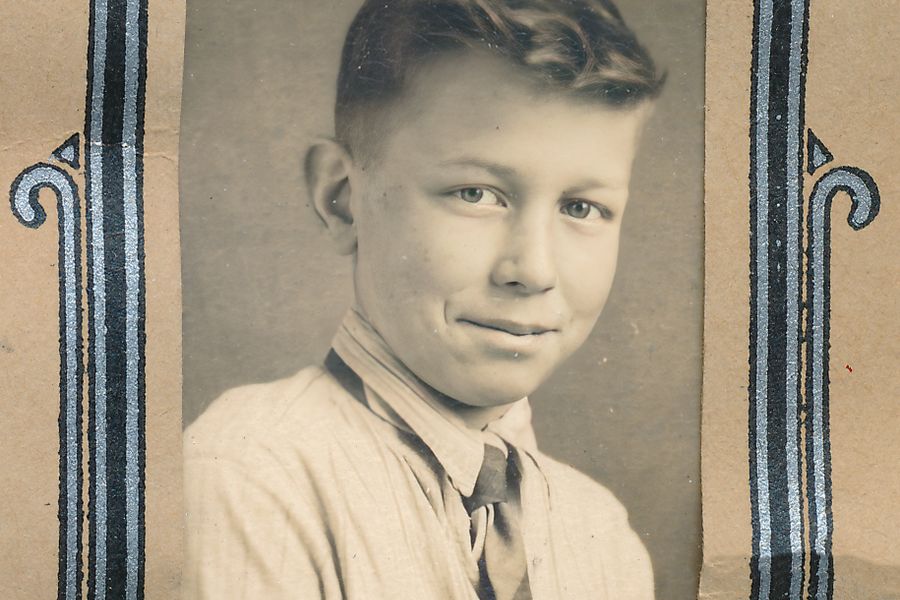 Balanced Skin
Face Detail
Natural Tone
Balanced Skin
Face Detail
Natural Tone
Natural Skin Tones
Portrait colorization focuses on balanced skin colors, preserved facial details, natural-looking tones, and consistent color application across the face.
Better Background Colors
Background areas receive balanced colors that help the full image feel complete without pulling attention away from the subject.
Preserve Important Details
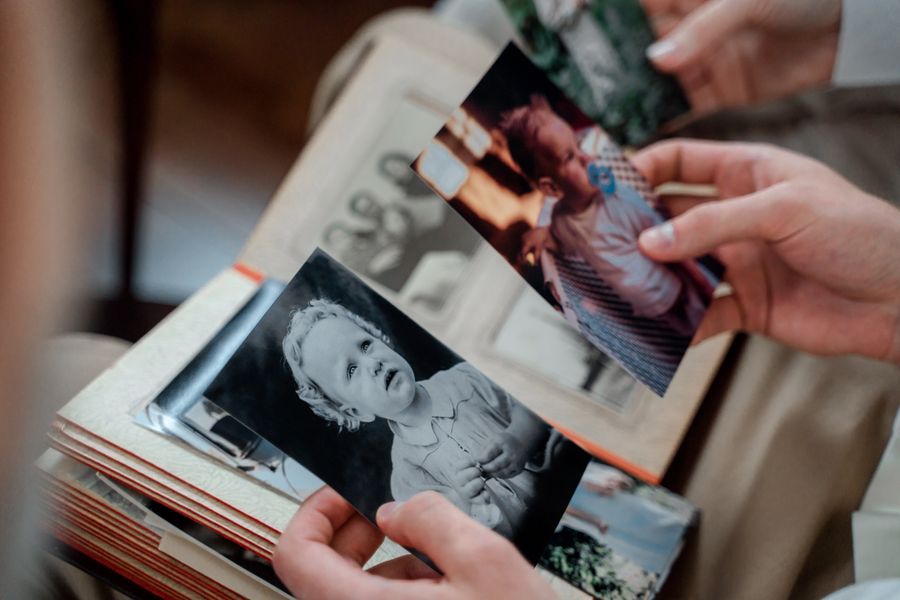
Colorization should improve the image while keeping important visual information intact, avoiding a heavy processed look.
Compare The Results
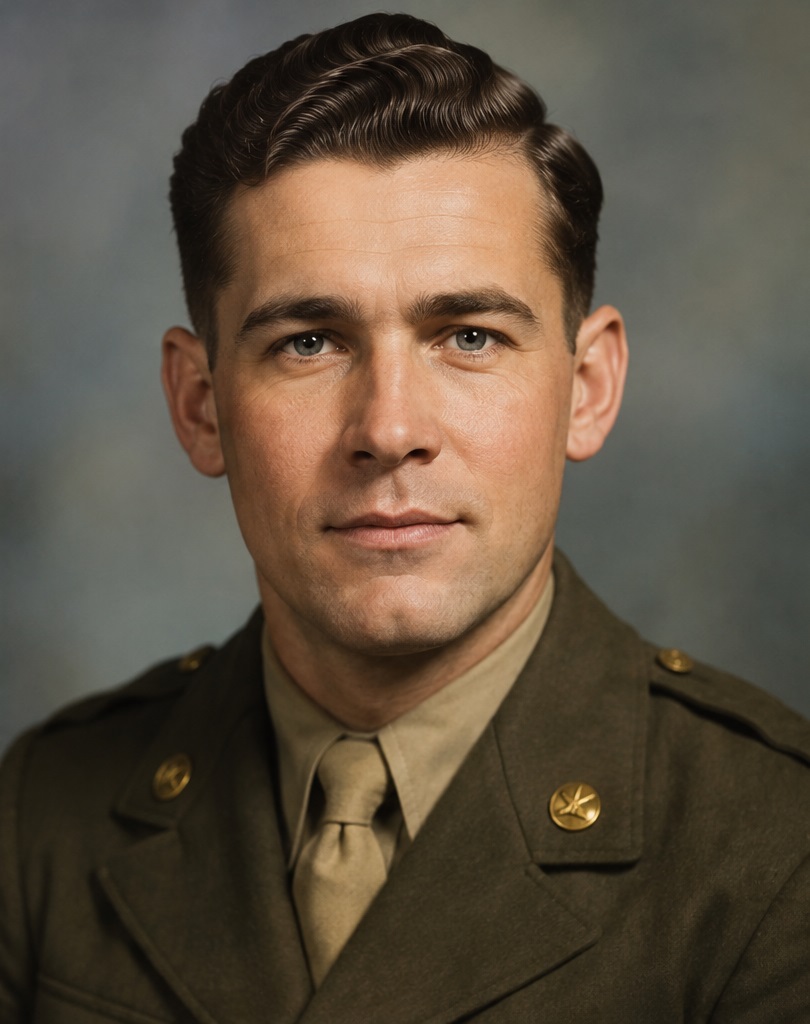
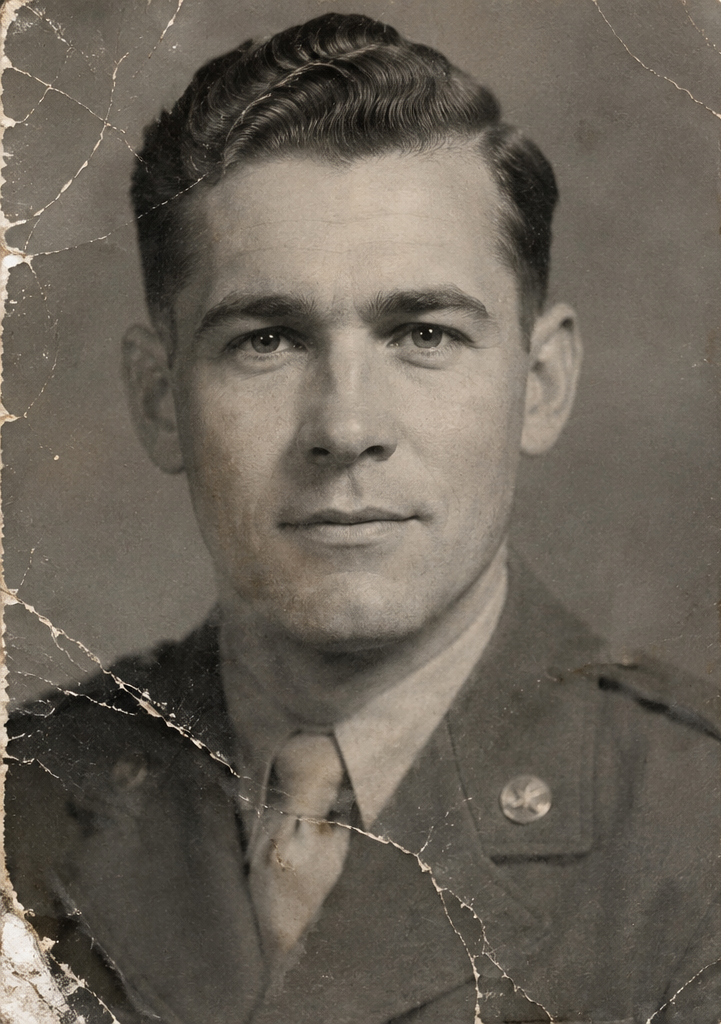
Black & White AFTER
Colorized
Quality That Looks Natural
Natural Color Balance
Colors are tuned to feel believable and easy to view.
Clean Image Output
Results are prepared for simple downloading and sharing.
Preserved Details
Important textures, lines, and facial areas remain visible.
Balanced Contrast
Contrast stays controlled so restored photos keep their character.
Simple From Start To Finish
Upload Photo
AI Analyzes Image
Colors Are Applied
Download Result
Works With Many Photo Types
Old Family Photos
Refresh inherited photos with gentle, natural color.
Vintage Portraits
Bring faces, clothing, and portrait details into clearer focus.
Historical Images
Add readable color context while keeping the original character.
Wedding Photos
Give classic wedding memories a warmer presentation.
Childhood Photos
Make early memories feel closer to the original moment.
Archived Photos
Prepare collections for digital albums and family records.
Scanned Photos
Use digitized prints as a starting point for colorization.
Black & White Portraits
Add natural color to grayscale portrait images.
Everything In One Place
Frequently Asked Questions
It helps turn black-and-white photos into natural-looking color images using an AI-powered workflow.
Yes. It is designed for grayscale and black-and-white images, including older family and archive photos.
The colorization process is built to keep facial structure, edges, and important portrait details visible.
Clear photos with visible subjects, backgrounds, and moderate contrast usually provide the best starting point.
Processing is usually quick, though larger files or detailed images may take a little longer.
Yes. The workflow supports reviewing the colorized result before saving it.
Yes. After processing, you can download the finished colorized image.
No. The original photo remains unchanged while a new colorized version is created.
Give Old Photos A New Look
Turn black-and-white memories into natural-looking color images with Photo Colorizer Ai.