
Bringing Color To Old Photos
Photo Colorizer Ai is a simple SaaS tool designed to turn black-and-white photos into natural-looking color images using AI-powered image processing.
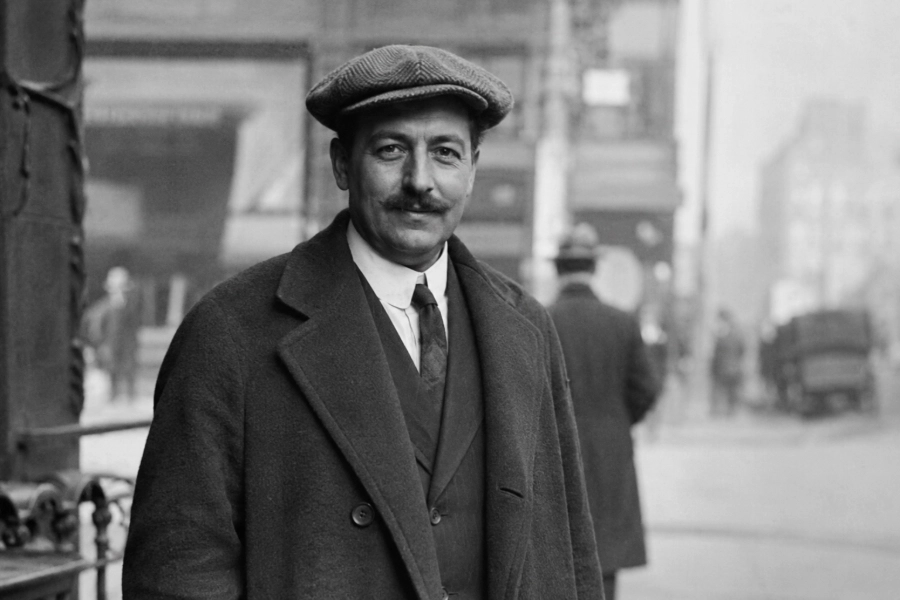
What Is Photo Colorizer Ai?
Photo Colorizer Ai is an ai photo colorizer that helps add plausible color to black-and-white and grayscale images. It reviews visible photo areas, scene context, faces, objects, and backgrounds before producing a colorized version.
The tool is useful for families, creators, researchers, and anyone working with older images. It focuses on natural-looking color, clear output, and retaining important visual details rather than creating exaggerated or overly saturated results.
Made For Meaningful Memories
Photo Colorizer Ai is built around old photo colorization that feels clear, useful, and respectful of the original image. The goal is to help people preserve old photographs, add visual context to black-and-white memories, and make historical images easier to view.
Preserve Photo Collections
Give scanned and archived pictures a more viewable color version while keeping the original photo unchanged.
Revisit Family History
Make inherited portraits and family albums feel more familiar through balanced AI photo colorization.
Support Creative Work
Give creators a simple way to test colorized imagery for projects, references, and visual storytelling.
How AI Photo Colorization Works
Upload The Photo
Add a black-and-white or grayscale image from your device.
Analyze Image Areas
The system reviews visible faces, objects, lighting, and background areas.
Apply Suitable Colors
Color is added based on photo context and recognizable image details.
Refine The Result
The final image is balanced for a cleaner, more natural-looking result.
What The AI Handles
Skin Tones
Applies balanced color tones to visible skin areas while retaining facial details.
Clothing
Adds color to garments in a way that fits the image context.
Hair
Colors visible hair areas while keeping shape, contrast, and texture readable.
Sky & Nature
Supports skies, trees, grass, and outdoor scenery with controlled color balance.
Buildings
Handles architectural areas without overpowering the original photo structure.
Objects
Recognizes common objects and applies color that works with the surrounding scene.
Backgrounds
Improves background areas while keeping the main subject easy to see.
Historical Details
Helps older image details feel clearer without claiming exact historical accuracy.
Made For Many Memories
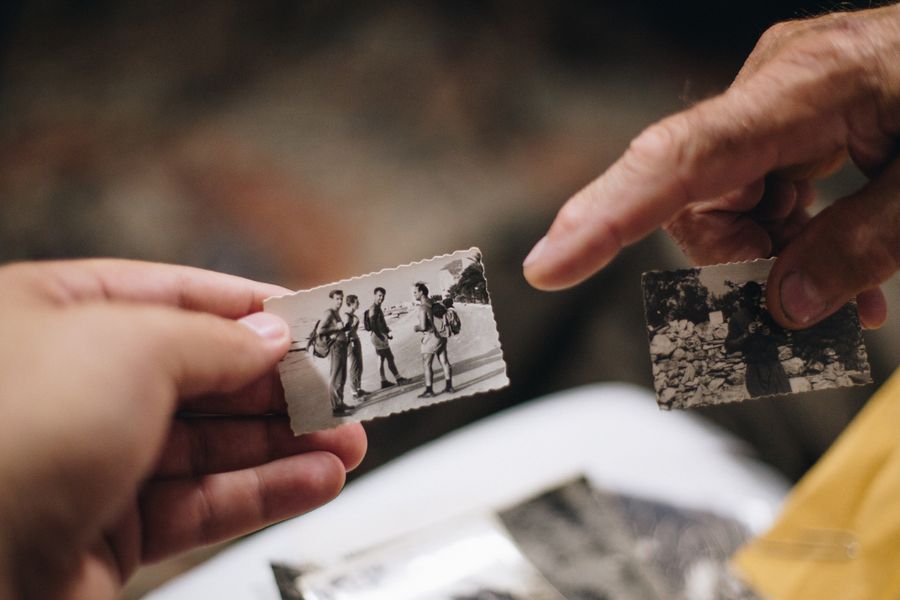
Family Photos
Add color to inherited family images for albums and sharing.
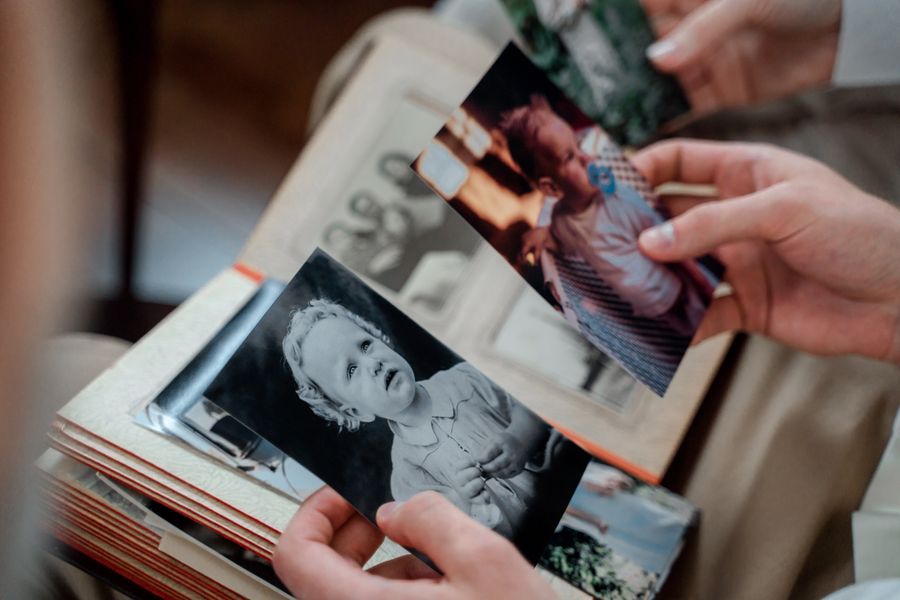
Childhood Photos
Make early memories feel easier to view in a colorized format.
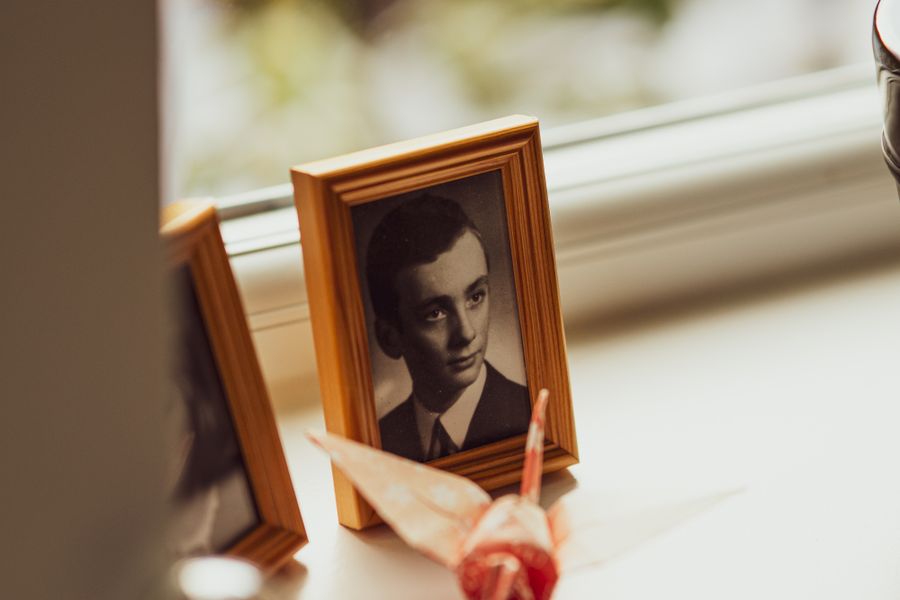
Vintage Portraits
Bring facial features, clothing, and portrait backgrounds into clearer focus.
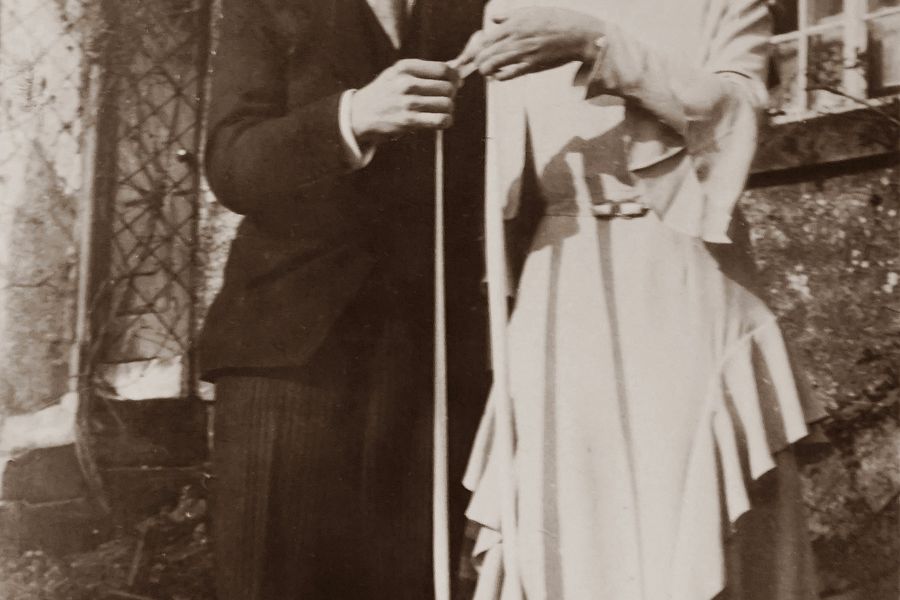
Wedding Photos
Create a warmer version of classic wedding images while preserving detail.
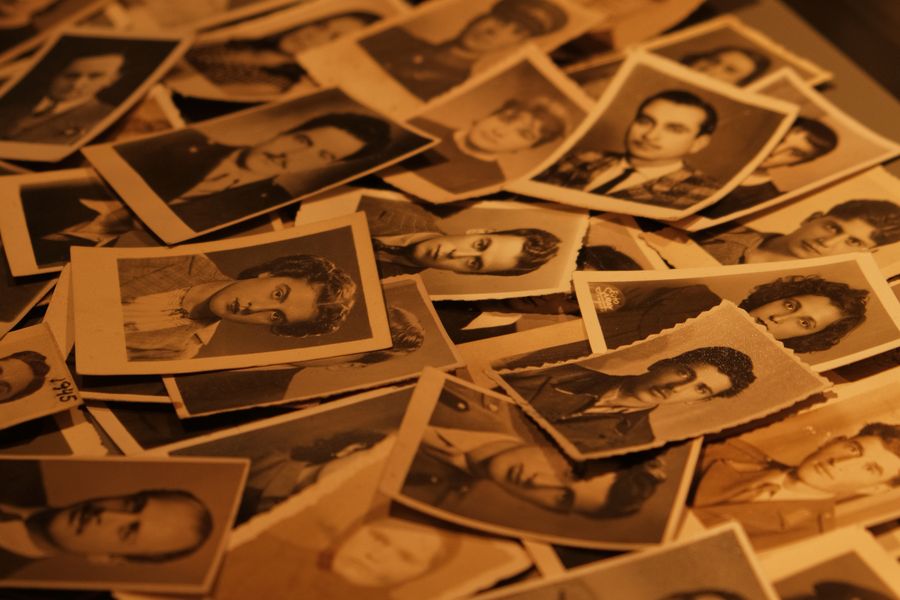
Historical Images
Add visual context to archival photos and black-and-white records.
Old Travel Photos
Give places, landscapes, and travel scenes a more vivid presentation.
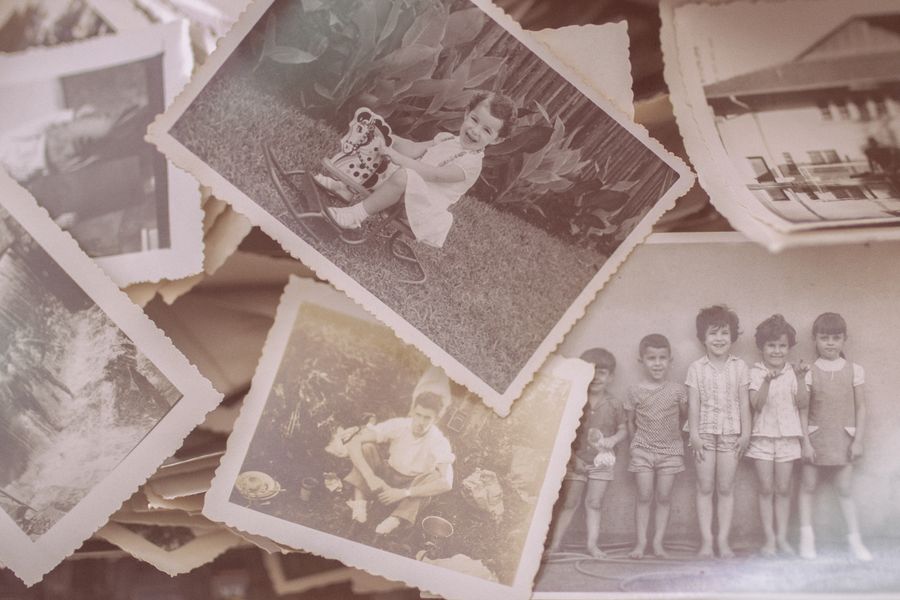
Scanned Photographs
Use digital scans to create a new colorized version for your workflow.
Archived Pictures
Prepare collections for family trees, records, and digital galleries.
Focused On Natural Color
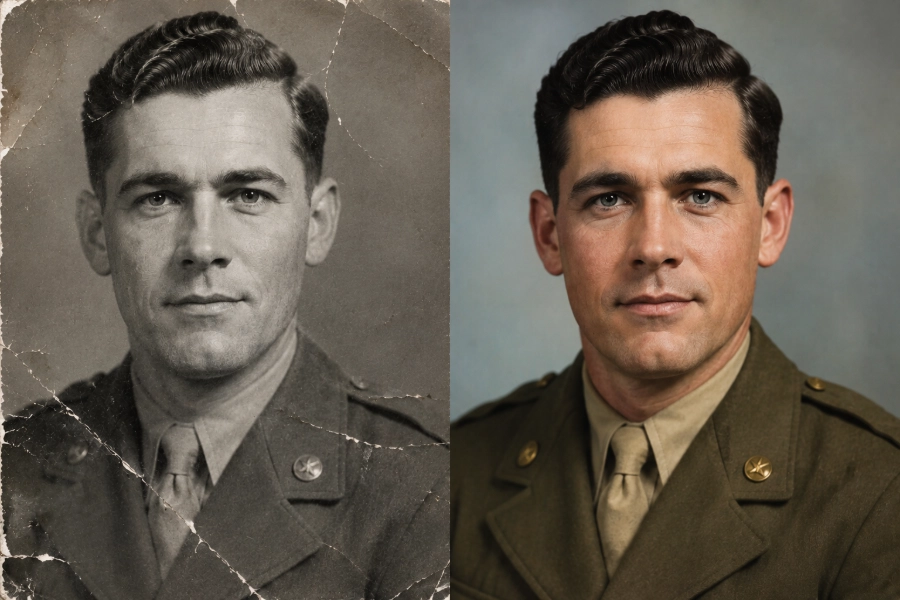
Photo Colorizer Ai is designed to create colorized photos with balanced tones, natural-looking skin, appropriate background colors, preserved image details, and consistent treatment across the scene.
The approach avoids overly saturated output and keeps the result grounded in the original photograph. AI photo colorization can estimate plausible colors, but it should not be treated as exact historical restoration.
Simple From Start To Finish
Upload
Choose the black-and-white photo you want to colorize.
Process
The ai photo colorizer creates a color version of the image.
Review
Check the colorized result and make sure it fits your needs.
Download
Save the finished image for albums, archives, or projects.
Why Photo Colorizer Ai
Easy To Use
Keep the colorization process simple from upload to result.
Fast Processing
Spend less time waiting for a colorized image.
Natural Color Balance
Create color results without excessive saturation.
Detail Preservation
Keep important visual structures visible.
Flexible Photo Use
Work with portraits, family photos, historical images, and more.
Simple Results
Review the colorized image and continue with your workflow.
Built Around Better Colorization
Natural Results
Color should support the photo, not overpower it. The product favors balanced tones and readable details.
Simple Workflow
Users should be able to colorize old photos without learning complex editing software. Each step stays clear and direct.
Useful Controls
The experience is built for practical image work. Controls should help users review, adjust, and continue without confusion.
Clear Output
The final image should be easy to inspect, save, and use. Photo Colorizer Ai keeps output quality central to the workflow.
Frequently Asked Questions
An AI photo colorizer adds plausible color to black-and-white or grayscale photos using image analysis.
It reviews visible image areas and creates a colorized version based on scene context and recognizable details.
Yes. Photo Colorizer Ai is designed for black-and-white and grayscale photo colorization.
Clear portraits, family photos, scanned photographs, and historical images usually provide better visual detail for colorization.
The workflow focuses on keeping important structures, edges, faces, and background details visible.
Yes. Historical photos can be colorized, though the colors should be viewed as plausible rather than exact historical proof.
Yes. After processing, you can download the colorized image and use it in your own workflow.
No. The original photo remains unchanged while a new colorized version is created.
Give Your Old Photos New Color
Upload a black-and-white photo and create a natural-looking color version with Photo Colorizer Ai.